What the workspace does today. Items marked Coming soon are not ready to use yet.
Password or Google sign-in, then an email code before the workspace opens.
Google Authenticator on top of the email code.
The operator manages user logins.
One operator moves between client workspaces.
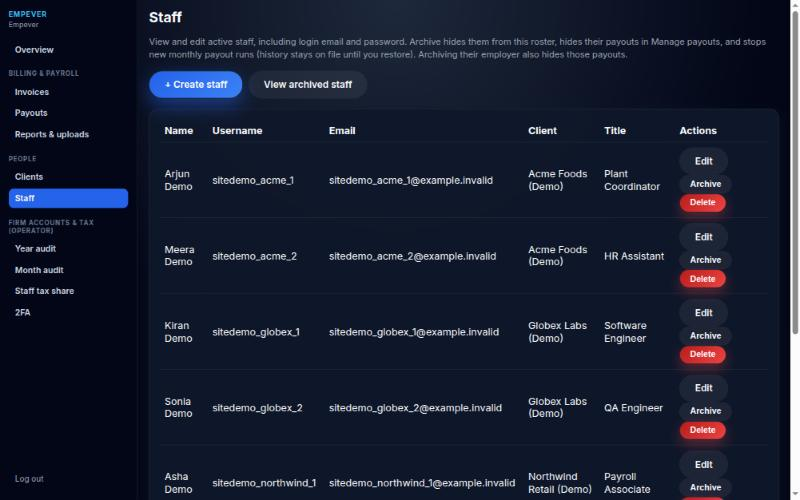
Create accounts, send logins, edit, archive and restore.
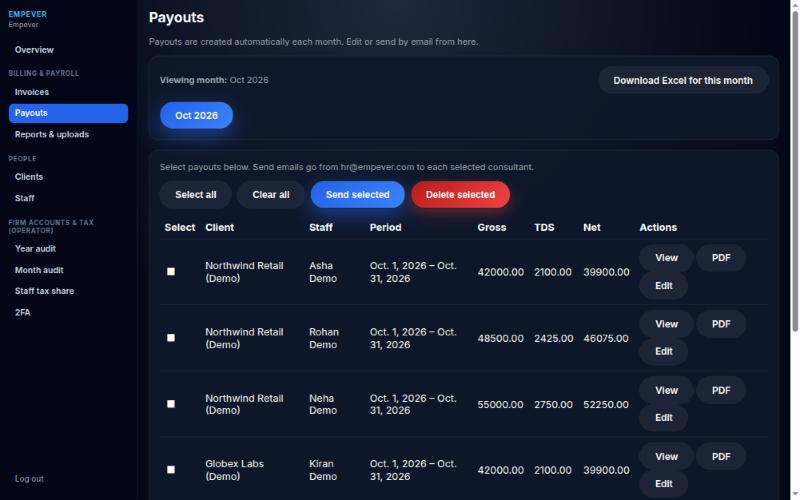
The month's invoices and payouts in one step, with preview, PDF and email.
Staff see their own payout reports and tax documents.
Upload and share reports and documents with employers and staff.
The month's draft, approval and sending on a schedule.
Create bank accounts and upload statements (PDF from two banks; CSV and Excel from most banks).
Filters, line classification, CSV and Excel export.
Payroll against the bank: inward credits, outward debits, a monthly matrix.
Statements and invoices sent to a connected inbox are filed for your review.
Suggested categories for bank lines, which you confirm.
Staff payroll audit, TDS lines found in the bank, and the taxes to pay.
Share Form 16 and challans to each staff member.
A financial-year summary, due dates and portal links.
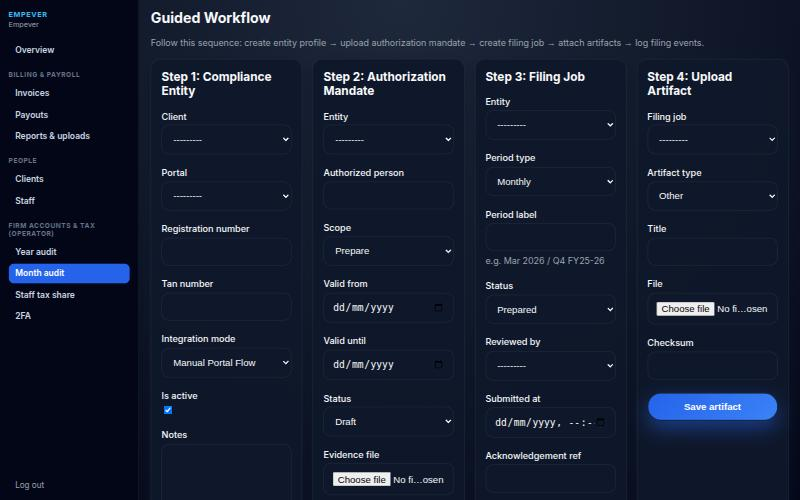
Record each filing and upload its acknowledgement, with an event log.
Preparation helpers for the customer's CA.
EMPEVER keeps the records, papers and dates. Statutory returns are filed by your CA or tax agent.
Book a demo, ask about setup, training or data entry.
Request access →